
Download Hotspot Shield VPN Fast Proxy APK – secure browsing, fast proxy, privacy protection, encrypted tunnel, global servers
Overview
Hotspot Shield VPN Fast Proxy, developed by Pango GmbH, is a desktop and mobile application designed to enhance online privacy and security through encrypted internet connections. The software creates an encrypted tunnel between the user’s device and the internet, masking the user’s IP address and protecting sensitive data from potential threats such as hackers, ISPs, and surveillance entities. It is particularly useful for individuals seeking to bypass geographical content restrictions, access region-locked streaming platforms, or maintain anonymity while browsing on public Wi-Fi networks.
The target audience includes travelers, digital nomads, remote workers, and privacy-conscious users who prioritize secure internet access. The software supports multiple device connections under a single account, enabling comprehensive protection across personal devices. While the core functionality centers on privacy and unrestricted access, the developer has not provided detailed information on the underlying infrastructure or network architecture.
Real-world use cases include secure remote work access, streaming international content from platforms like Netflix, Disney Plus, and BBC iPlayer, and safeguarding personal data on public networks. The application also includes a built-in browser with shortcuts to popular services such as YouTube, TikTok, Facebook, and Spotify, reducing the need for third-party private browsing modes. However, exact performance details and system requirements were not specified.
Key Features & Capabilities
- Encrypted Tunnel Technology – All internet traffic is routed through a secure, encrypted connection to prevent data interception and ensure privacy during online activities.
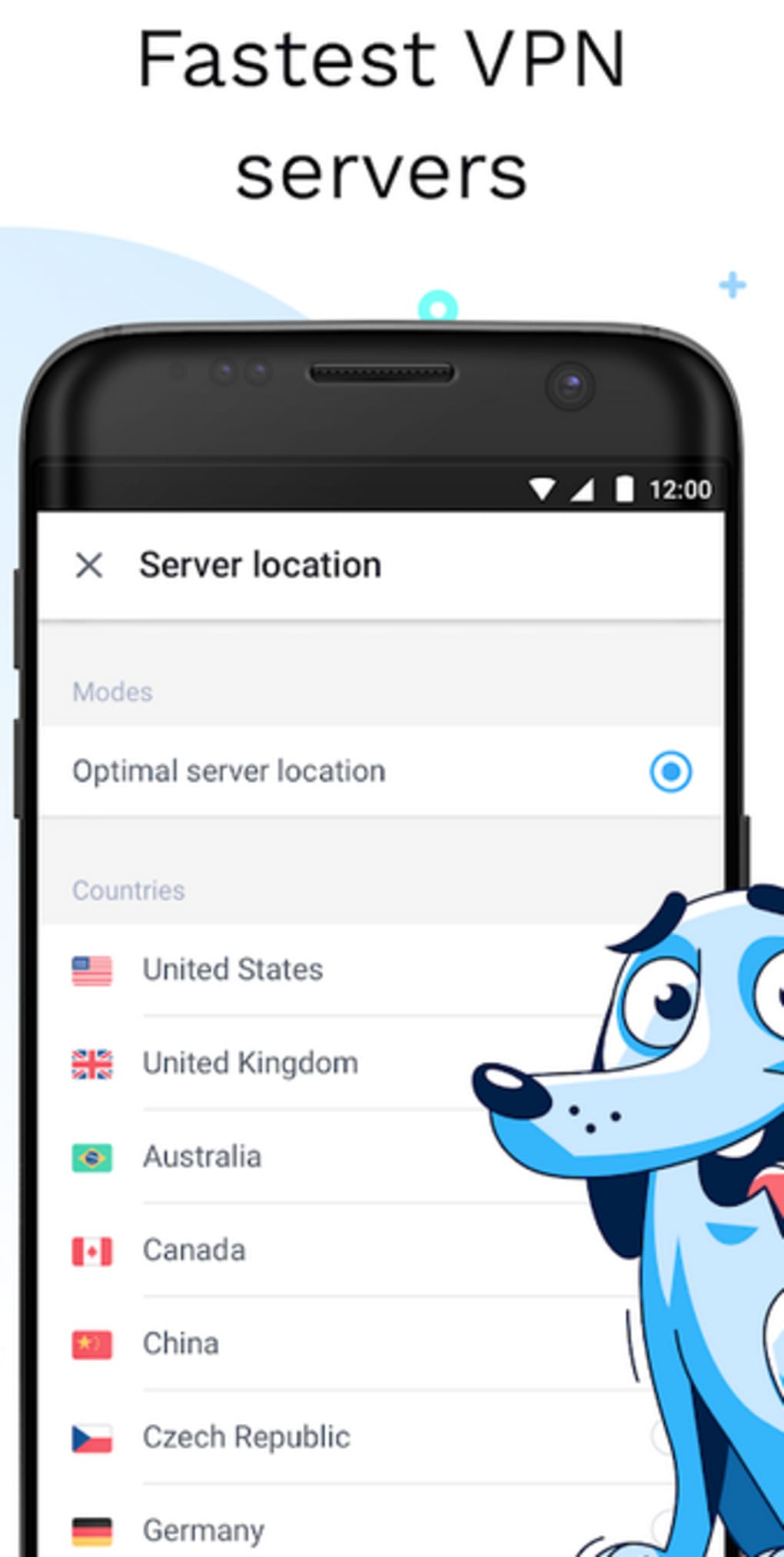
- Global Server Network – Users can connect to thousands of servers across 80 countries, enabling access to geo-restricted content and improved connection speeds based on server proximity.
- Multi-Device Support – A single account allows up to five devices to be connected simultaneously, supporting consistent protection across smartphones, tablets, computers, and smart TVs.
- Kill Switch Feature – Automatically blocks internet access if the VPN connection drops, preventing IP leaks and maintaining privacy during unstable connections.
- Split Tunneling – Offers two modes: “Bypass VPN” for normal internet access on selected apps, and “Route via VPN” for encrypted traffic, allowing users to balance performance and security.
- Built-in Browser – Includes a lightweight browser with direct shortcuts to TikTok, YouTube, Facebook, and Spotify, minimizing reliance on external private browsing tools.
- Military-Grade Encryption – Implements strong encryption protocols to defend against malware, phishing attacks, and unauthorized data access.
These features collectively support secure browsing, enhanced privacy, and unrestricted content access. Users benefit from reduced exposure to cyber threats, especially on unsecured networks. However, the split tunneling feature does not support simultaneous use of both bypass and route modes.
User Interface, Workflow & Performance
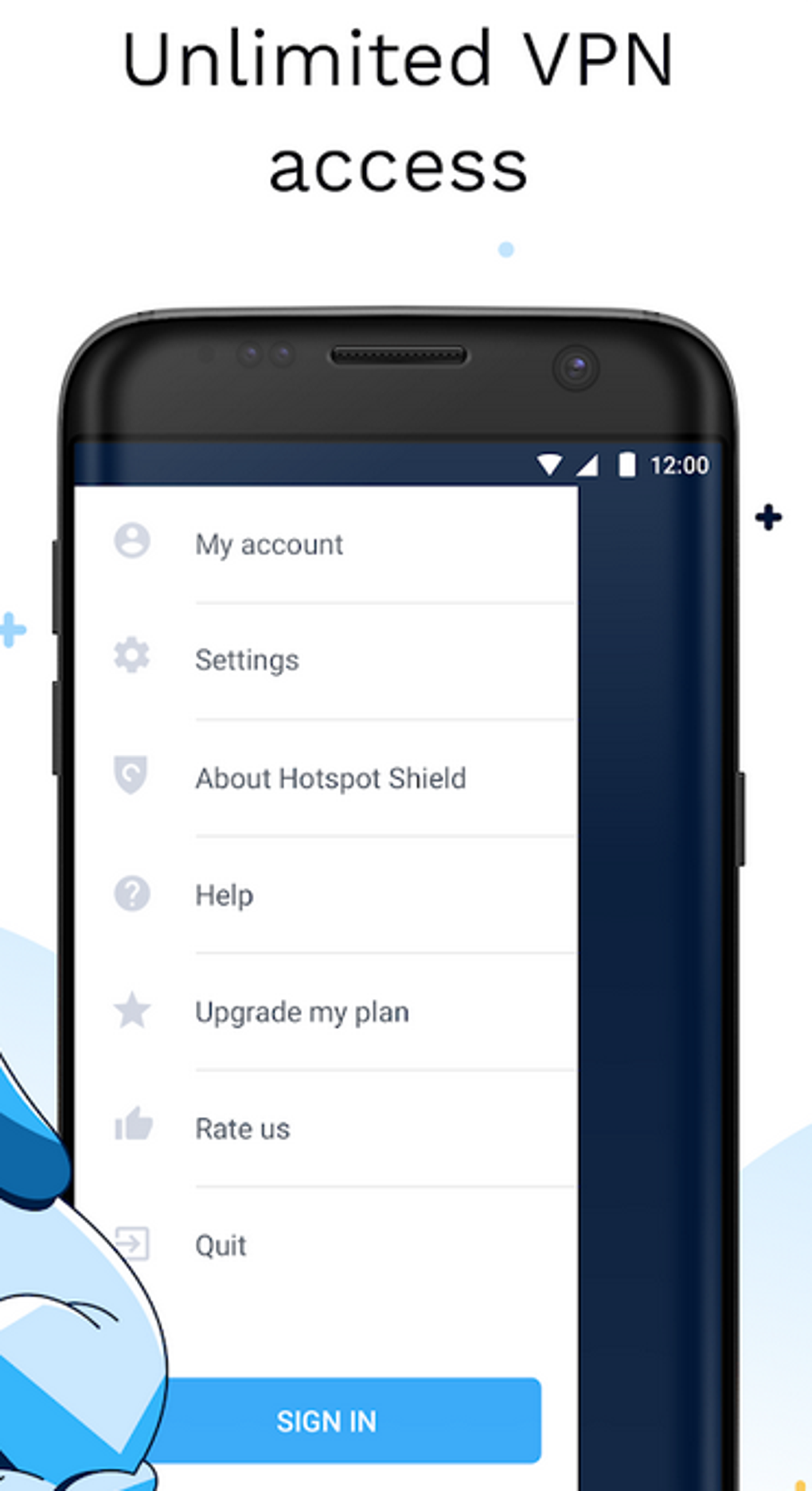
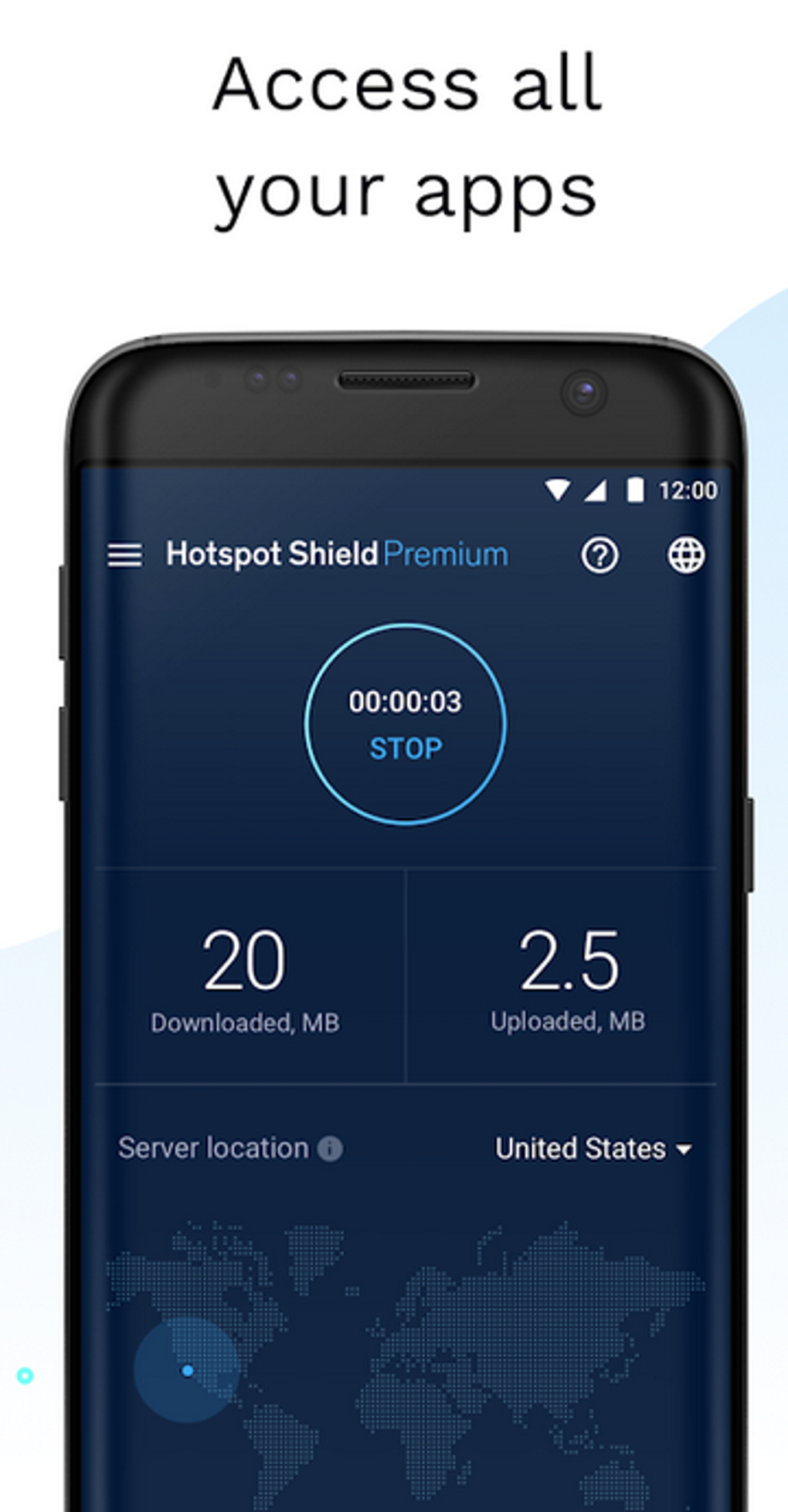
The user interface is designed for simplicity, with a central power button for quick connection and disconnection. Upon launch, users are presented with a brief overview of data collection practices, including device information, payment data, and anonymized online activity. A “Got It” option allows progression to subscription or trial selection.
Free users are limited to the “Auto” US server, with restricted speed and access. Premium features unlock global server selection and faster connection speeds. A notable workflow element is the requirement to watch advertisements to extend free connection time, with each ad granting 15 minutes of usage. This mechanism may impact usability for extended browsing sessions.
Performance observations are based on general software behavior patterns. The developer did not specify resource usage details such as CPU or RAM consumption. Stability during prolonged use and background operation was not confirmed. Users should expect typical performance for a mobile-first VPN application adapted to desktop environments.
Compatibility & System Requirements
Hotspot Shield VPN Fast Proxy is available for Windows, Mac, Android, iOS, Linux (via command line), and smart TVs with Google Play access. The software supports multiple operating systems, though exact version compatibility and installation size were not provided. The developer did not specify hardware requirements such as minimum RAM or processor speed.
Device compatibility extends to routers, with manual configuration guides available on the official support site. However, detailed setup instructions for router integration were not included in the provided information. Platform compatibility information is limited to the listed systems, and no details were given regarding older or less common OS versions.
Pros and Cons
Pros
- Strong encryption and privacy protection with no IP or device logging tied to browsing activity
- Access to a vast network of servers across 80 countries
- Supports up to five simultaneous device connections
- Effective kill switch and split tunneling for enhanced control
- Built-in browser with shortcuts to major platforms
- Unblocks popular streaming services like Netflix, Disney Plus, and BBC iPlayer
Cons
- Free version severely limits server access to a single US server
- Significant speed throttling for free users
- Connection time restricted to 15 minutes per ad viewed
- Split tunneling does not support both bypass and route modes simultaneously
- Exact system requirements and performance metrics were not disclosed
FAQ Section
Is Hotspot Shield compatible with Windows and Mac?
Yes, Hotspot Shield VPN Fast Proxy is available for both Windows and Mac operating systems.
Can I use the free version without ads?
No, the free version requires users to watch advertisements to extend connection time. There is no ad-free option in the free tier.
Does Hotspot Shield log user activity?
The developer states that IP addresses, device identifiers, and browsing activity are not logged. However, anonymized data such as session duration, bandwidth usage, and accessed domains are collected.
How many devices can I connect with one account?
One account supports up to five devices simultaneously.
Is Hotspot Shield safe to use on public Wi-Fi?
Yes, the encrypted tunnel and kill switch features help protect data from potential threats on public networks.
Final Thoughts
Hotspot Shield VPN Fast Proxy offers a robust set of privacy and security tools tailored for users who value online freedom and protection. Its global server network, strong encryption, and support for multiple devices make it a compelling choice for travelers, remote workers, and streaming enthusiasts. While the free version imposes notable limitations in speed and server access, the premium tier unlocks full functionality.
Despite some concerns around ad-based free access and lack of detailed technical specifications, the software maintains a strong focus on user privacy and performance. For those seeking a reliable, feature-rich VPN solution with broad compatibility, Hotspot Shield stands out as a capable and secure option.
Download Hotspot Shield now and take control of your digital life.





.png)

